How to Craft Green Banner in Minecraft
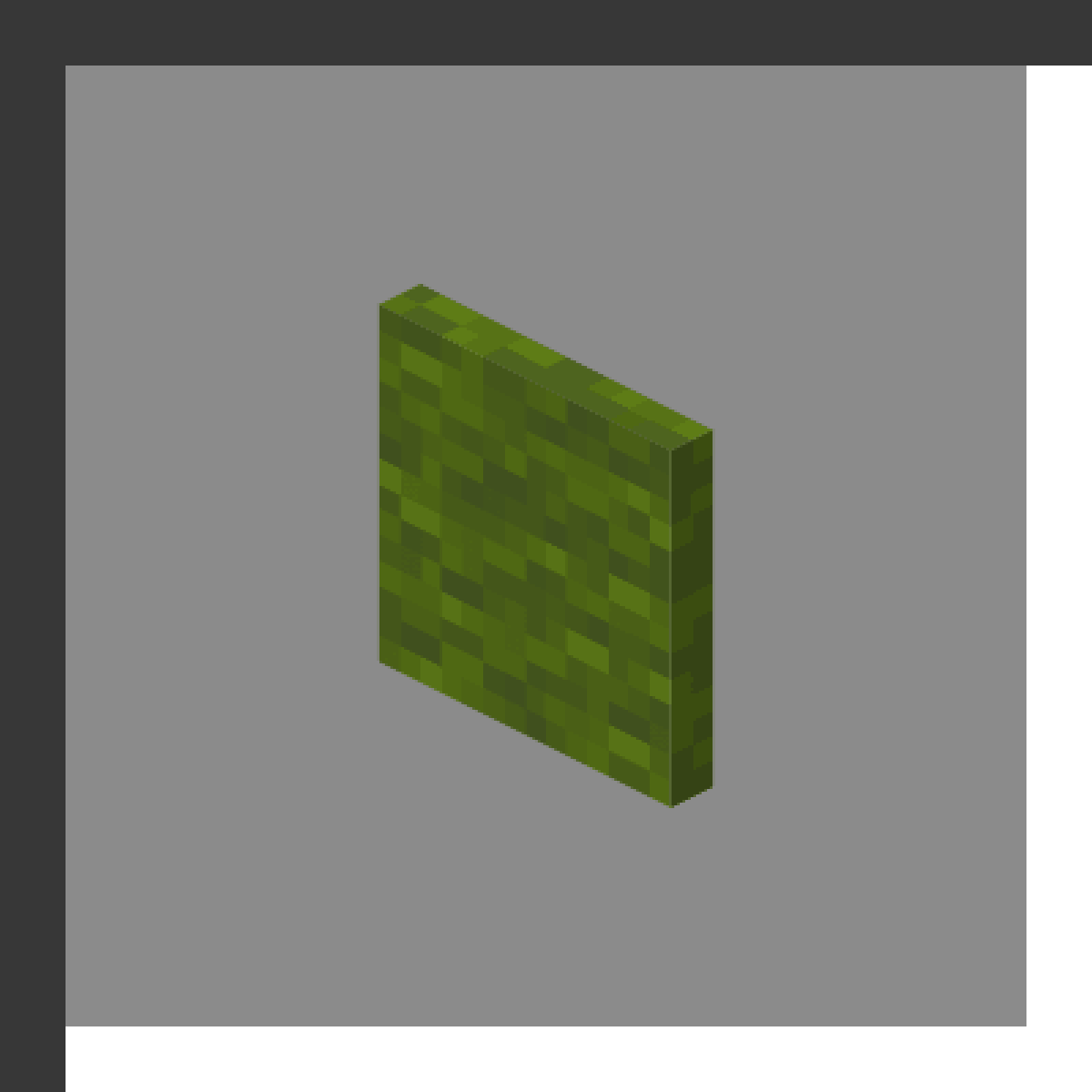
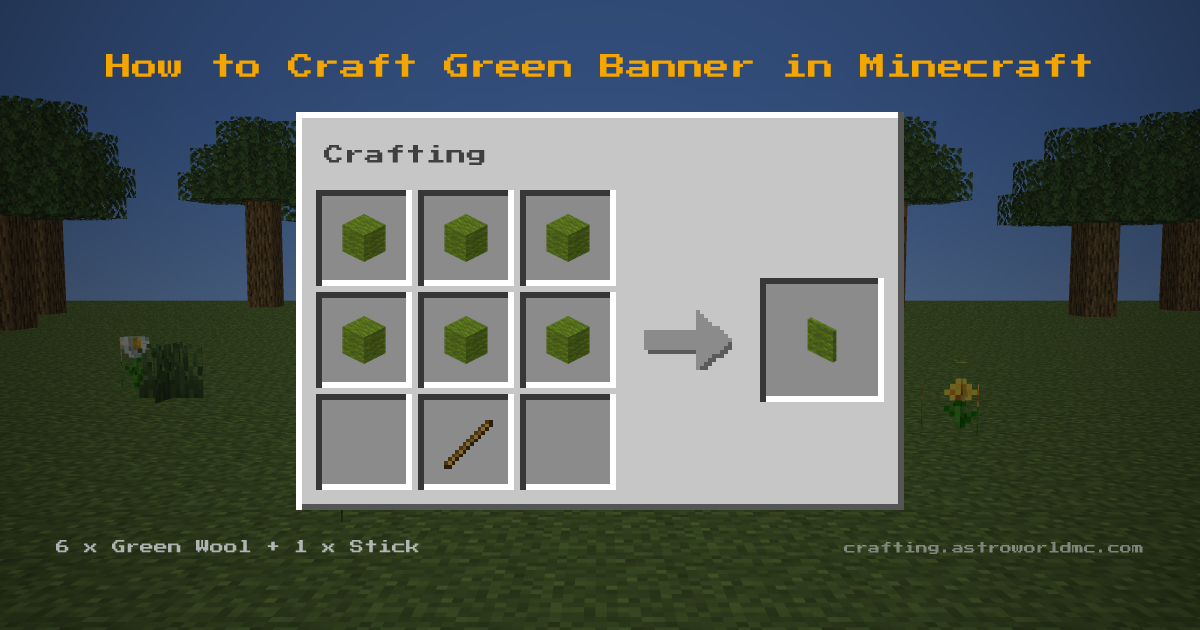
You need 6 Green Wool and 1 Stick, plus a Crafting Table to assemble them on. Laid out, that is six Green Wool in a solid 2x3 block in the top and middle rows and a single Stick in the bottom-middle cell. Expect 1 Green Banner from every craft. Fuel value is 300 ticks, putting 43 Green Banners behind a full stack of 64.
Green Banner Item ID and Give Command
The item ID for Green Banner is minecraft:green_banner. In commands the namespace may be left off, so green_banner works too. Checked against Minecraft Java 26.3.
- Give yourself one
/give @p green_banner- Give a full stack of 16
/give @p green_banner 16- Give it to a named player
/give Steve green_banner 1
Cheats have to be on for Green Banner to appear this way, and the same command works on Bedrock Edition, where the name is written the same.
Overview
Green Banners are decorative blocks that can display up to 6 patterns applied with a loom. Green Banner uses a shaped recipe: the ingredients only work in the pattern shown.
Minecraft has used the name Green Banner since 1.8, the oldest release whose language file lists it.
The materials come together from a few sources: you will be working with green wool (dye wool or shear green sheep) and stick (craft from planks).
Counting The Stack
Feed 6 green wool a craft, so 64 covers 10 of them: 10 green banners. Have 10 sticks ready as well. Left behind: 4 green wool.
Materials Needed
Green Banner needs 6x Green Wool (dye wool or shear green sheep) and Stick (craft from planks), worked together at a Crafting Table.
The Full Chain
2 Planks makes 4 Stick, the one part of this you craft rather than gather. All in: 6 Green Wool and 2 Planks.
- 1
- 2Green Bannerthis page
Gather this first
Step-by-Step Instructions
- 1
6x Green Wool
- 2
 Stick
Stick - 3
Green Banner
Tips & Notes
- Shopping list: 6x Green Wool and 1x Stick. Plan the Green Wool first: dye wool or shear green sheep.
Uses for Green Banner
- Decoration
- Map markers when used on cartography table
- Applying patterns with loom
View detailed item stats, durability and properties for Green Banner on the Astroworld Items Database.
Frequently Asked Questions
What do I need to craft a Green Banner in Minecraft?
What do you need to make a Green Banner from scratch?
Where do you find the materials for a Green Banner?
How many Green Banners do you get from one craft?
What is the item ID for Green Banner in Minecraft?
What is the give command for Green Banner?
Is the Green Banner recipe the same in Java and Bedrock Edition?
Which material does a Green Banner need the most of?
What version of Minecraft added the Green Banner?
Sources
- Grid, ingredients and yield
- 6 Green Wool and 1 Stick in, 1 Green Banner out, Crafting Table. Java 26.3, .
- That Bedrock agrees
- Bedrock 1.26.50.4, same 2 ingredients.
- How far back it goes
- The name appears in Minecraft Java 1.8 and in nothing older. From all 163 released Java clients, rd-132211 to 26.2.
- That the ingredients come back
- What drops, what villagers trade and what farms regrow in Minecraft Java, followed through the recipes to see what those ingredients can be turned into.
- Stack size, burn time
- The Astroworld Items Database, built from the same jar.
- The recipe book unlock
- What unlocks it in the recipe book. Java 26.3.
- The stack sum
- Counted, not played: 1 Green Banner per craft against the stack size.